1.Download the app
Download the Dr.Wait practice app for free from the App Store (iPhone) or Google Play (Android) and open it.
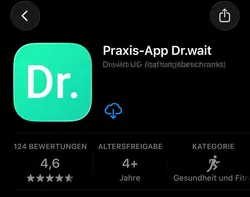

Book an appointment and track waiting times live.
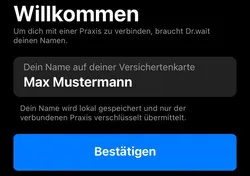
When you open the app for the first time, it will ask for your name exactly as it appears on your health insurance card (e.g. John Smith). Then tap "Confirm".
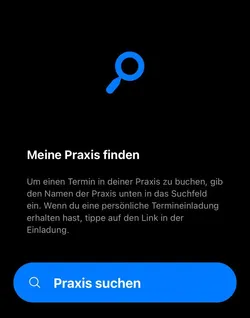
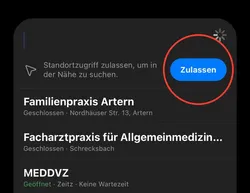
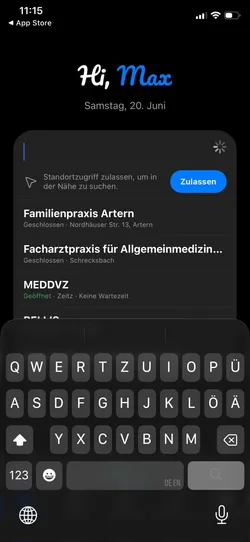
Tap "Search for practice", enter the name of your practice, and select the correct result from the list.

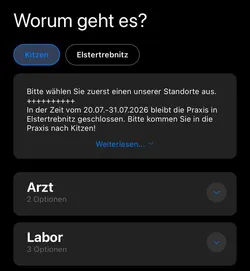
First select the correct practice location and read any notices (e.g. holiday closures). Then choose the reason for your visit (e.g. doctor or laboratory).
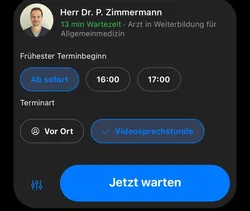
Choose your preferred appointment: doctor, earliest appointment time, appointment type (in-person or video consultation), and appointment duration.
This is not a regular appointment. It is intended for urgent concerns when you need to visit the practice today. You join the digital waiting queue and are called in order. For a scheduled appointment, use "Book appointment".

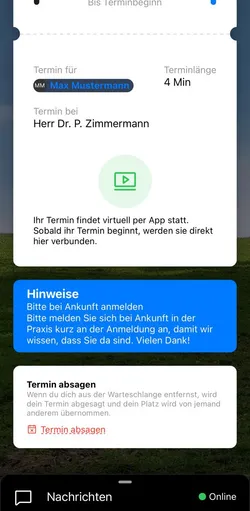
After booking, you will receive your appointment ticket containing all important information such as the date, time, practice, and reason for your visit.
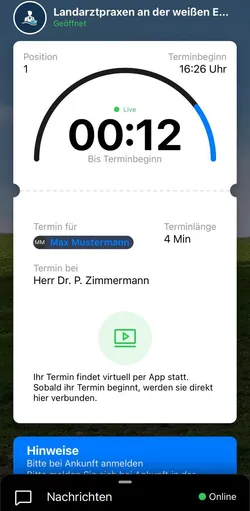
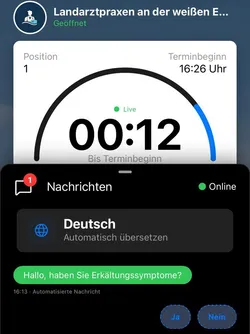
In the waiting or booking view, you can see your current status and communicate directly with the practice using the chat.
Need to cancel? Open the appointment and tap "Cancel appointment" at the bottom of the screen.