1.Download the app
Open the App Store (iPhone) or Google Play Store (Android). Search for "Impfpass.de" and download the app. You can already do this comfortably from home.
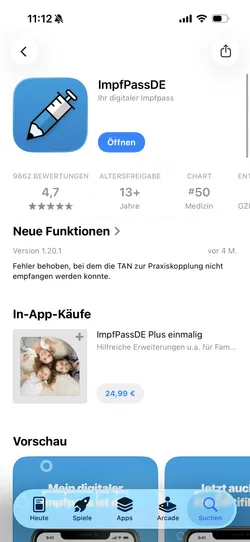

With ImpfPass, you can keep your digital vaccination record up to date and always within reach. Simply connect it with our practice to receive vaccination updates securely and conveniently on your smartphone.
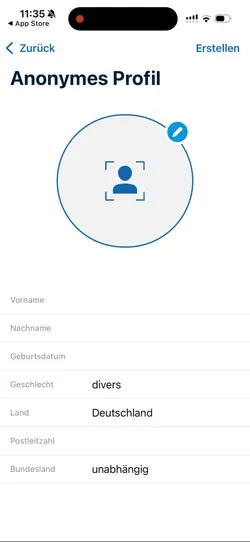
After opening the app, you'll be asked to create an anonymized profile. Enter your first name, last name, and date of birth. This gives you access to the app.
To connect with your practice, you need to be on site. Bring your smartphone with the app already installed to the practice.
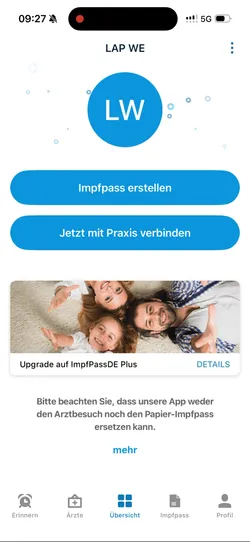
Tap "Connect with practice now." You'll receive a QR code from the practice. Scan the code with the app.
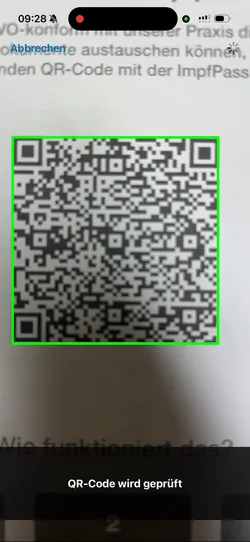
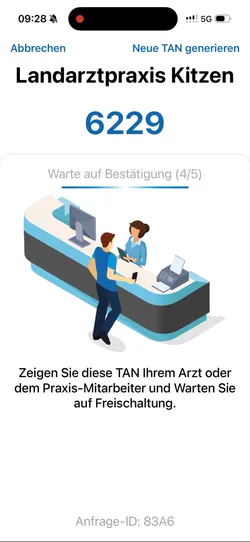
After scanning, the app will show you a four-digit PIN. Show this to the practice staff and wait for confirmation. In the background, the practice now links your patient record with your Impfpass.de account.
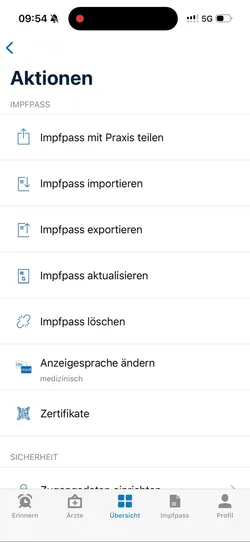
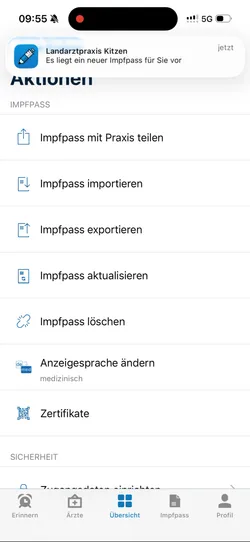
The connection with your practice is now established. To transfer your vaccination data, your vaccination record still needs to be updated.
Go to the overview screen and then to your profile. There you'll find several options, such as "Share vaccination record with practice," "Import," or "Export." Select "Update vaccination record."
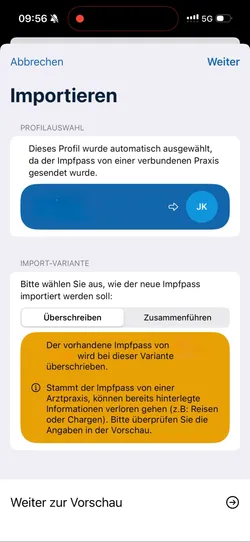
This process can take a few minutes, as the data is synced with the practice's system. Please be patient.
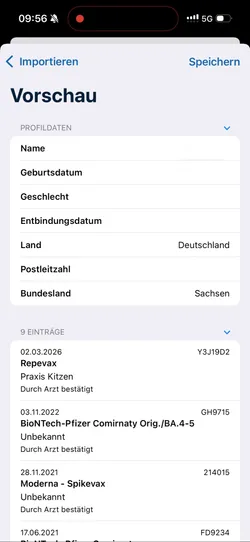
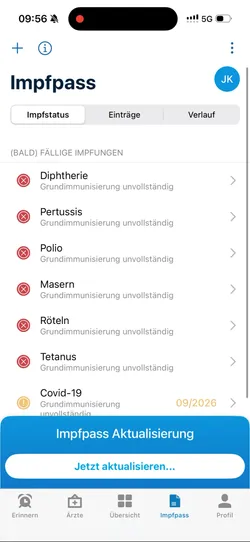
Once the update is ready, a pop-up window titled "Update vaccination record" will appear. Tap "Update now" and choose whether to overwrite your existing vaccination record or merge it with the new data. Review the preview carefully before saving your selection.
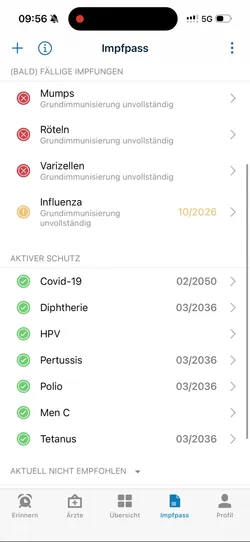
After the import, your vaccination record will show your active immunity status, as well as upcoming or missing vaccinations.